




Custom POS & Cash Register
Cash register app with workflow, pricing, promotions, taxes, access control, and layout tailored to your business.
Build custom POS that follows your business SOP, start faster with Kekasir.id SaaS, or equip your outlets with genuine KASSEN hardware - software, devices, installation, and support in one service.
Cash register app with workflow, pricing, promotions, taxes, access control, and layout tailored to your business.
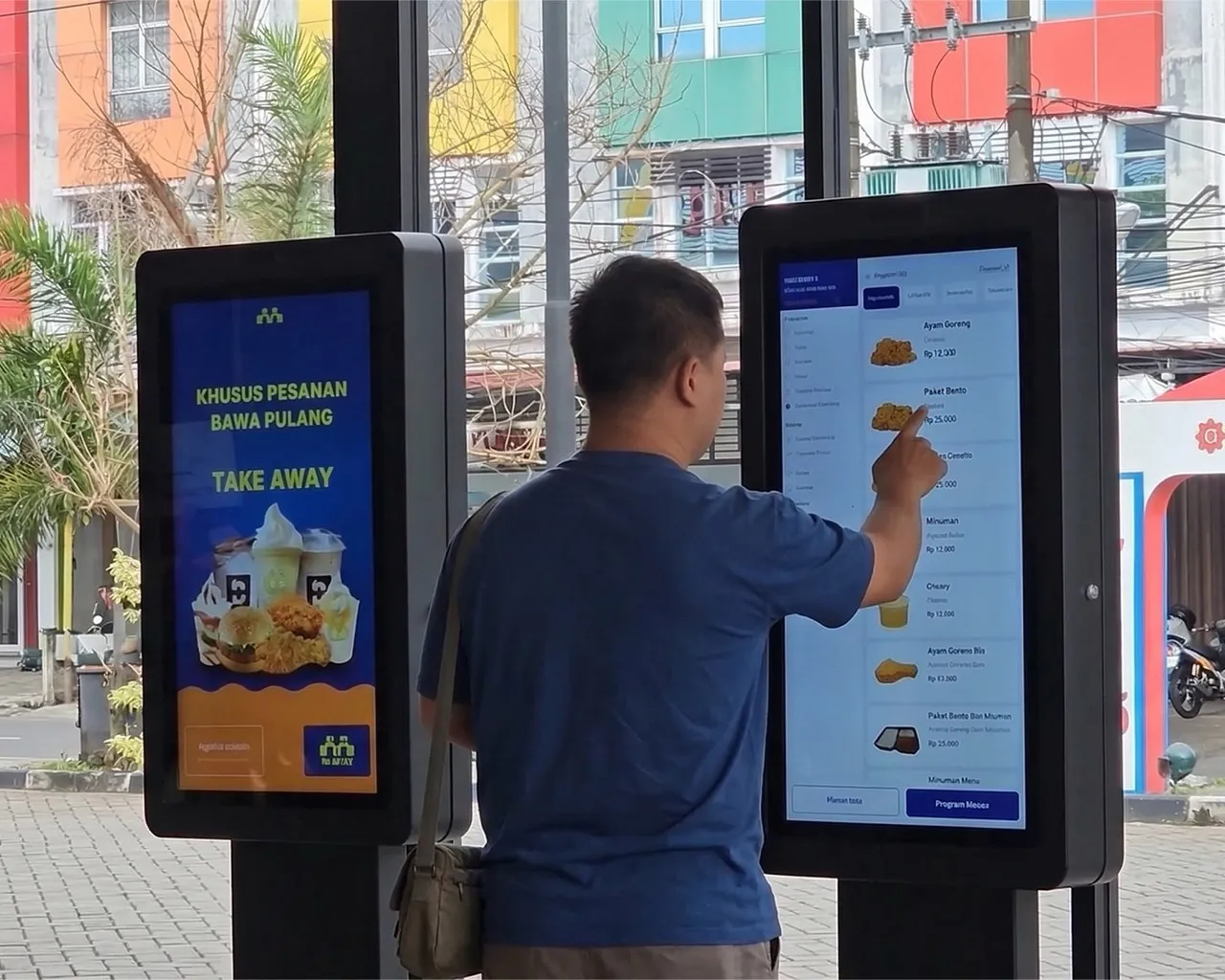
Self-service ordering connected to payment, kitchen, printers, and queue numbers.
Digital queueing, counter assignment, display calls, priority, and service reports.
Connect QRIS, payment gateway, EDC, printer, scanner, display, and outlet devices.
Customers may arrive through different channels, but all transactions are processed using the same rules, devices, and data.
Cashier, kiosk, QR order, table order, drive thru, website, or app.
Pricing, promos, taxes, membership, payment, receipts, and settlement.
Kitchen, KDS, printer station, queue, packing, pickup, and fulfillment.
Inventory, outlet, shift, transaction audit, central dashboard, and management reports.
Data flows to the next process without needing to be re-recorded by another team or outlet.
Modules are selected based on your transaction model and operational needs. Not all components need to be built at once.
Manage transactions across multiple terminals and outlets using consistent business rules.
Organize product structure tailored to retail, F&B, or service needs.
Forward orders to the responsible teams and stations automatically.
Connect transactions with product stock levels and raw material requirements.
Manage devices and user access at each operational point.
Provide relevant information for cashiers, supervisors, owners, and management.
We develop transaction systems when operational flows, branding, devices, and business integrations cannot be met by off-the-shelf cash register apps.
View and try devices before buying. Our technician team assists with product selection, on-site installation, configuration, and after-sales support.
SaaS cash register product from our ecosystem for F&B businesses that want to run transactions, kitchen, inventory, shifts, self-order, and reports right away without building an app from scratch.
Kekasir.id is the ready-to-use option for common F&B POS needs. When your business requires white-label, custom workflows, ERP/PMS/accounting integration, or more complex multi-outlet architecture, the Solunesia team takes over through custom development.
| Need | Kekasir.id SaaS | Custom Development |
|---|---|---|
| How to use | Ready-to-use system | Built to requirements |
| Cost model | Subscription | Based on project scope |
| Workflow | Follows available features | Can be custom-designed |
| Branding | Uses Kekasir.id branding | Can use your business branding |
| Integrations | Follows available integrations | APIs and connectors can be developed |
| Best for | Businesses that want to start using POS immediately | Franchises, enterprises, and complex operations |
POS doesn't have to stand alone. Transaction data can flow to payment, operations, customers, and company reports.
Integration possibilities are assessed based on documentation, API access, device protocols, security, and provider support.
Architecture is chosen based on devices, transaction volume, connectivity, offline needs, and development plans - not limited to one stack.
Systems are tailored to how customers order, pay, receive service, and how management monitors operations.
Cashier, tables, QR order, kiosk, kitchen, payment, and raw materials.
Barcode, pricing, stock, suppliers, promotions, loyalty, and multiple locations.
Control workflow, menu, devices, users, and reports from headquarters.
Tenants, centralized payment, settlement, kiosk, and operator reports.
Registration, queueing, cashier, calls, payment, and service reports.
F&B transactions, PMS, guest billing, room folio, and property reports.
Examples of software and hardware implementations that follow operational needs in the field.
End-to-end restaurant system connecting custom POS, kiosk, drive thru, payment, kitchen routing, printer station, inventory, payroll, taxes, and financial reports.
Store and point-of-sale transactions connected to central production, inventory, distribution, B2B, commissions, and operational and financial reports.
Custom POS, kiosk, and transaction systems don't use fixed pricing because each business has different numbers of outlets, channels, devices, and integrations.
Once needs are mapped, you'll receive solution recommendations, scope, time estimates, hardware requirements, and more measurable implementation costs.
Software, integrations, and devices are mapped first so each stage can be tested before use in live operations.
Study transaction channels, outlets, users, devices, payment, and existing systems.
Determine Kekasir.id, custom development, hardware, or the right combination.
Build or configure UI, workflow, backend, devices, and integrations.
Test software and hardware using operational transaction scenarios.
Launch, user training, and early-use support.
Initial answers to help you determine approach, devices, integrations, and implementation preparation.
Kekasir.id is a ready-to-use SaaS with a subscription model. Business processes follow the available features and configurations, making implementation faster. Custom POS is developed based on your business's specific workflow, branding, devices, integrations, access control, and reports.
No. If your needs can be met by Kekasir.id, we can recommend the SaaS route for faster, more efficient implementation. Custom development is more suitable when your business has many outlets, special transaction rules, white-label needs, specific devices, or complex integrations.
Yes. KASSEN products can be purchased directly through our online catalog or physical stores in Batam and Tanjungpinang. As an Authorized Seller and service center, our team helps with device selection, on-site installation, configuration, and after-sales support.
Ya. Scope dapat mencakup pemasangan aplikasi, konfigurasi printer, scanner, cash drawer, kiosk, display, jaringan lokal, serta pengujian koneksi dengan software. Need instalasi di lokasi akan disusun berdasarkan jumlah perangkat dan lokasi implementasi.
Yes, if the devices are compatible with the operating system, connectivity, drivers, protocols, and software used. Before implementation, we check existing device specifications so compatibility risks are identified early.
Yes. For certain needs, the system can be designed with an offline-first approach, local server, or synchronization when connection is restored. The architecture is determined based on the number of terminals, network stability, and processes that must continue running offline.
Yes. The system supports multi-outlet, multi-brand, franchise, and multiple business units. Menu, pricing, users, promotions, devices, and reports can be differentiated per outlet while still monitored through a central dashboard.
Yes, depending on the API, SDK, device protocols, certifications, and integration access provided by payment partners. During the assessment phase, we examine payment flows, transaction confirmation, settlement, refunds, and any applicable third-party fees.
Yes. In custom development, the interface, categories, modifiers, promotions, membership, payment, ticket printing, and order routing destinations can all be customized. The kiosk can also be connected to POS, Kitchen Display System, printer stations, and queue systems.
Yes. Migration is assessed based on the format, volume, structure, and quality of old data. Data such as products, pricing, customers, suppliers, opening stock, users, and certain transactions can be mapped according to the agreed migration scope.
Timeline depends on the POS or kiosk scope, number of outlets and devices, integrations, offline needs, data migration, and review process readiness. After the initial assessment, we arrange phases, priorities, time estimates, and a more realistic testing schedule.
Yes. Training can be provided to admins, supervisors, cashiers, and operational users based on their roles. Maintenance can include monitoring, backups, fixes, user assistance, system updates, device adjustments, and advanced feature development as needed.
Describe your outlets, transaction channels, devices, payment, and running operational processes.
We recommend Kekasir.id, custom development, hardware, or the most suitable combination.
Development, procurement, installation, testing, training, and go-live are executed measurably.


