




01Tanjungpinang
Basuki Rahmat
Jl. Basuki Rahmat, Bukit Bestari, Tanjungpinang.
End-to-end restaurant operational system connecting raw material procurement, kitchen production, multi-outlet inventory, whitelabel POS, self-service kiosk, drive thru, EDC payments, multi-station printing, payroll, through to financial reporting. Software and outlet devices are designed as one flow so operations across two outlets remain consistent.
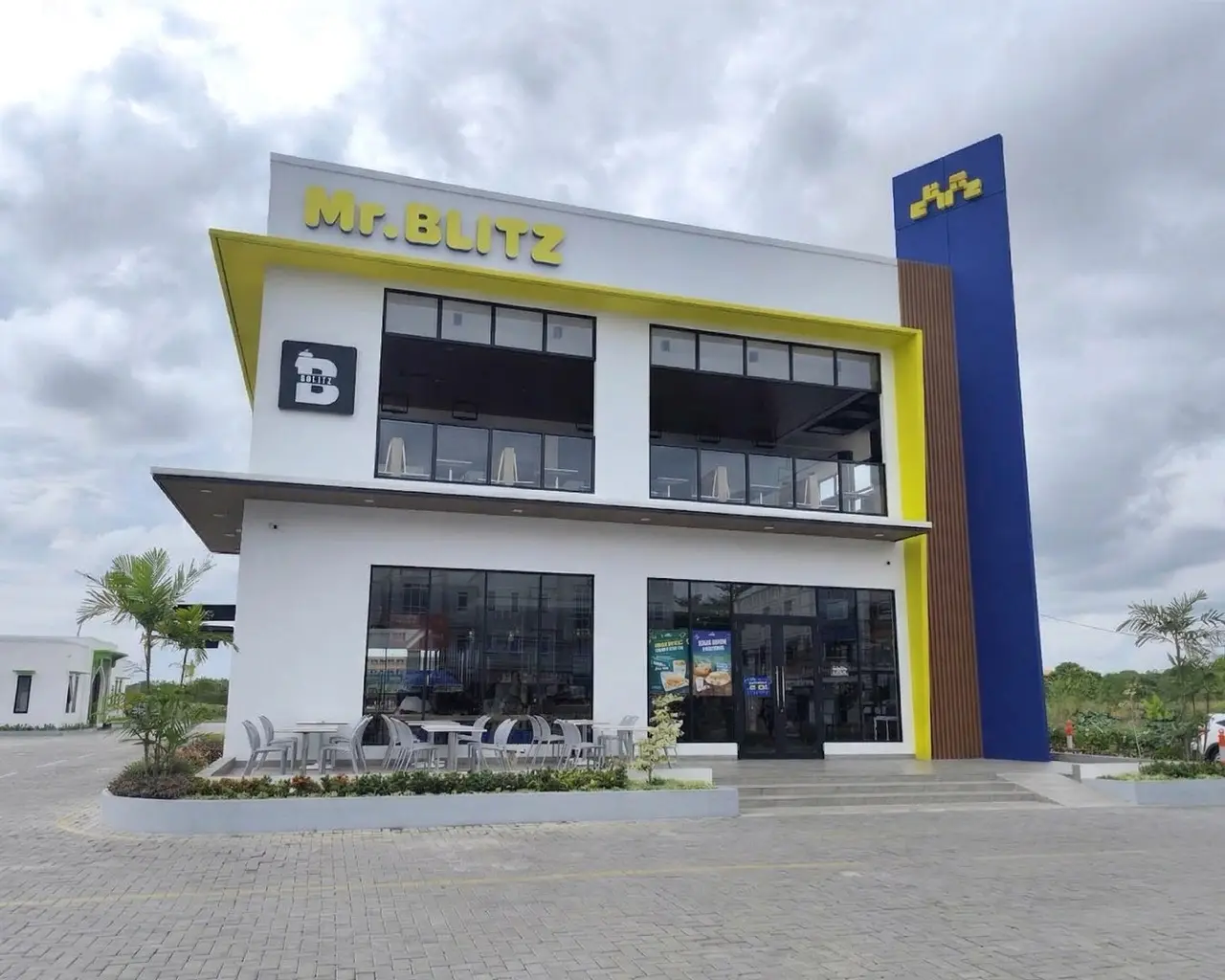
Mr. Blitz is a fast-casual restaurant in Tanjungpinang with an extensive menu selection and operations serving dine-in, takeaway, self-order, and drive thru. Its two outlets require consistent service and operational processes even as the number of tables, menu items, and transaction points continues to grow.
Visit mrblitzindonesia.com ↗Jl. Basuki Rahmat, Bukit Bestari, Tanjungpinang.
Road towards Tanjung Uban, East Tanjungpinang.
With two outlets, 175 tables, over a hundred menu items, and multiple ordering channels, Mr. Blitz needed an operational flow that stays consistent from customer transaction through to kitchen, inventory, payments, and reporting.
Cashier, kiosk, table QR, and drive thru need to feed into the same kitchen flow without re-entry.
Ingredient usage per menu item needs to be traceable so inventory, production, and costs are easier to audit.
Transactions, settlement, and stock positions need to be viewable per outlet and combined.
Outlet transaction processes must keep running even when internet connectivity is unstable.
Solunesia built a restaurant operational system that unifies ERP, POS, self-service ordering, outlet devices, and cross-outlet data synchronization without making staff work through disconnected processes.
Every transaction point and device is arranged so staff continue working with a familiar flow. Behind it, transaction, inventory, settlement, and reporting data stay connected so management does not need to merge information from different processes.
A local server keeps outlet transactions active when internet connectivity is unstable.
POS, kiosk, table QR, and drive thru use the same order source and kitchen flow.
Kitchen printers, cash drawers, and EDC are directly connected to the outlet transaction process.
Transactions, settlement, inventory, and reports can be monitored from synchronized data.
Implementation includes devices used directly by staff and customers. Each device is configured to follow the same transaction and kitchen flow.
POS is connected with printers, cash drawers, and payment devices to speed up transactions and reduce repeated input by staff.
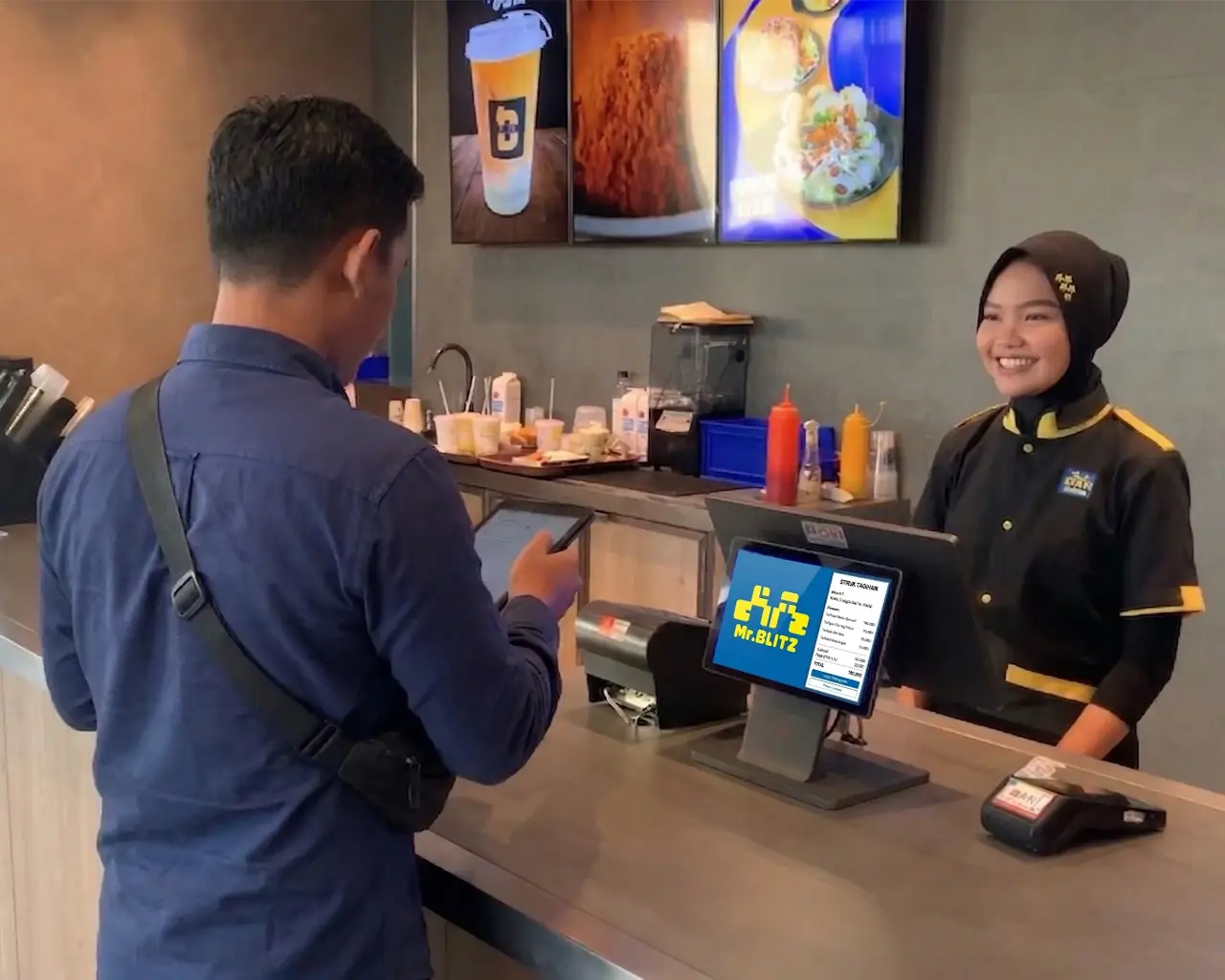 Cashier POS
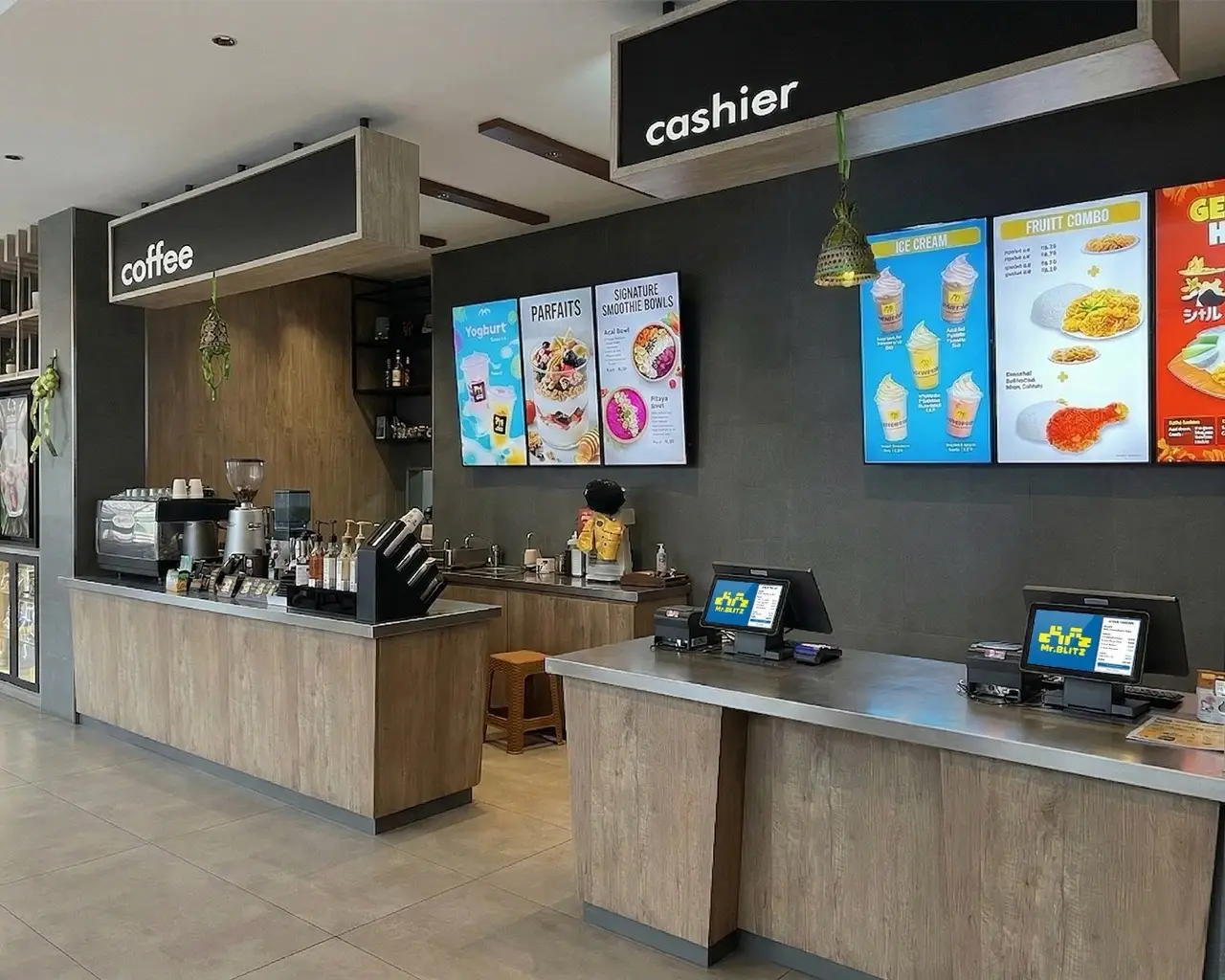 Operational Area
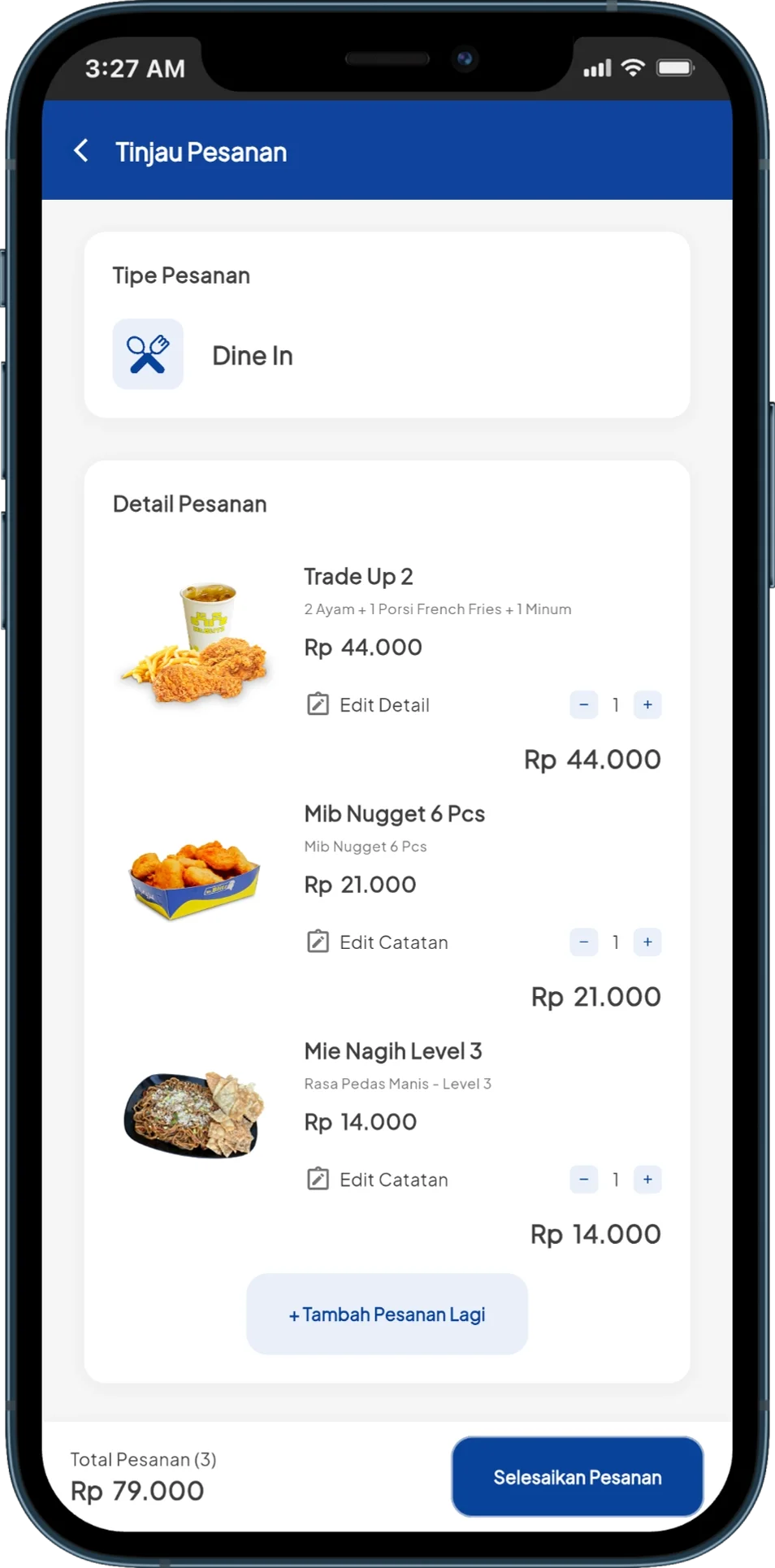
Customers can order directly through the kiosk, and orders are forwarded to the kitchen without needing to be re-entered by the cashier.
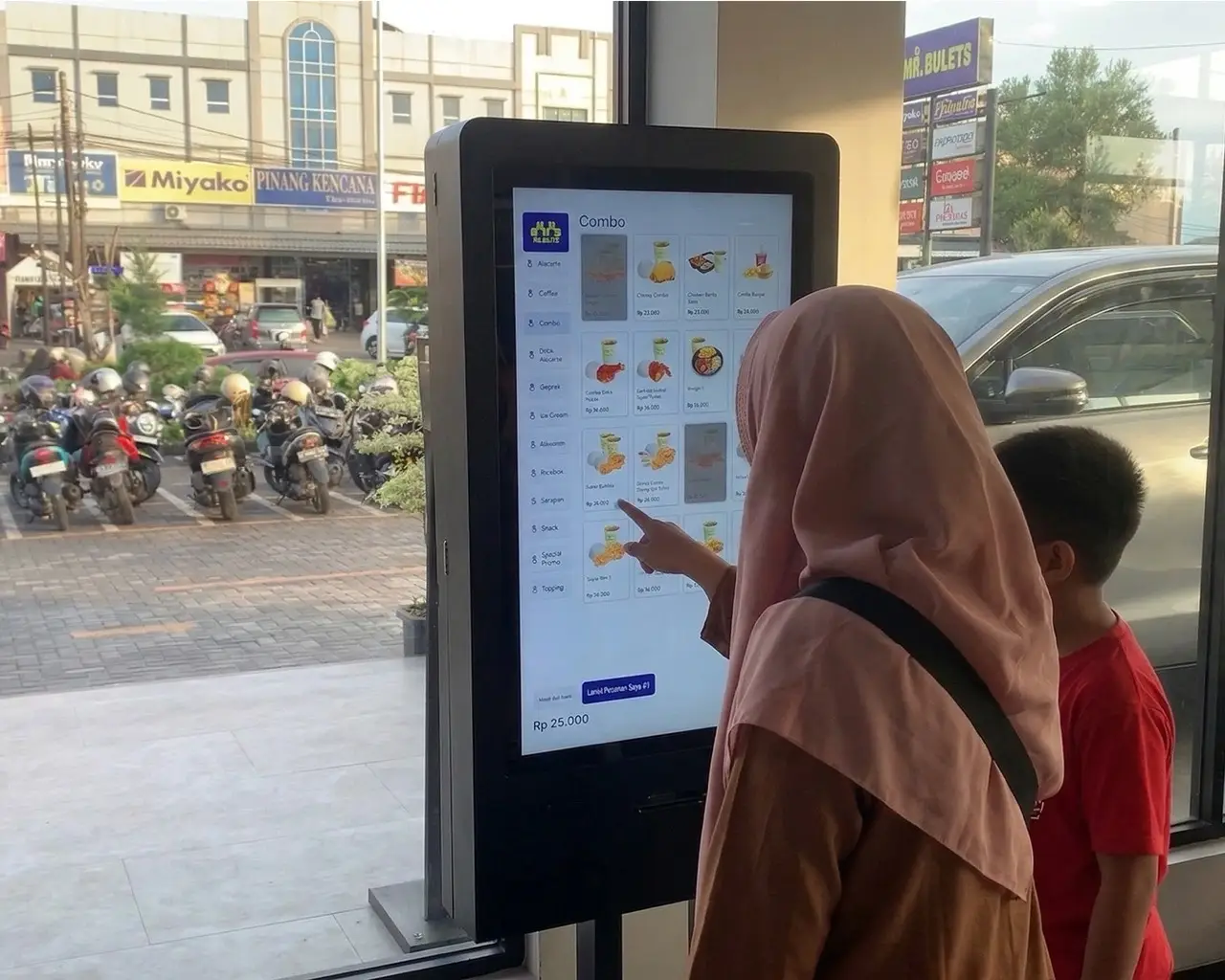 Order Kiosk
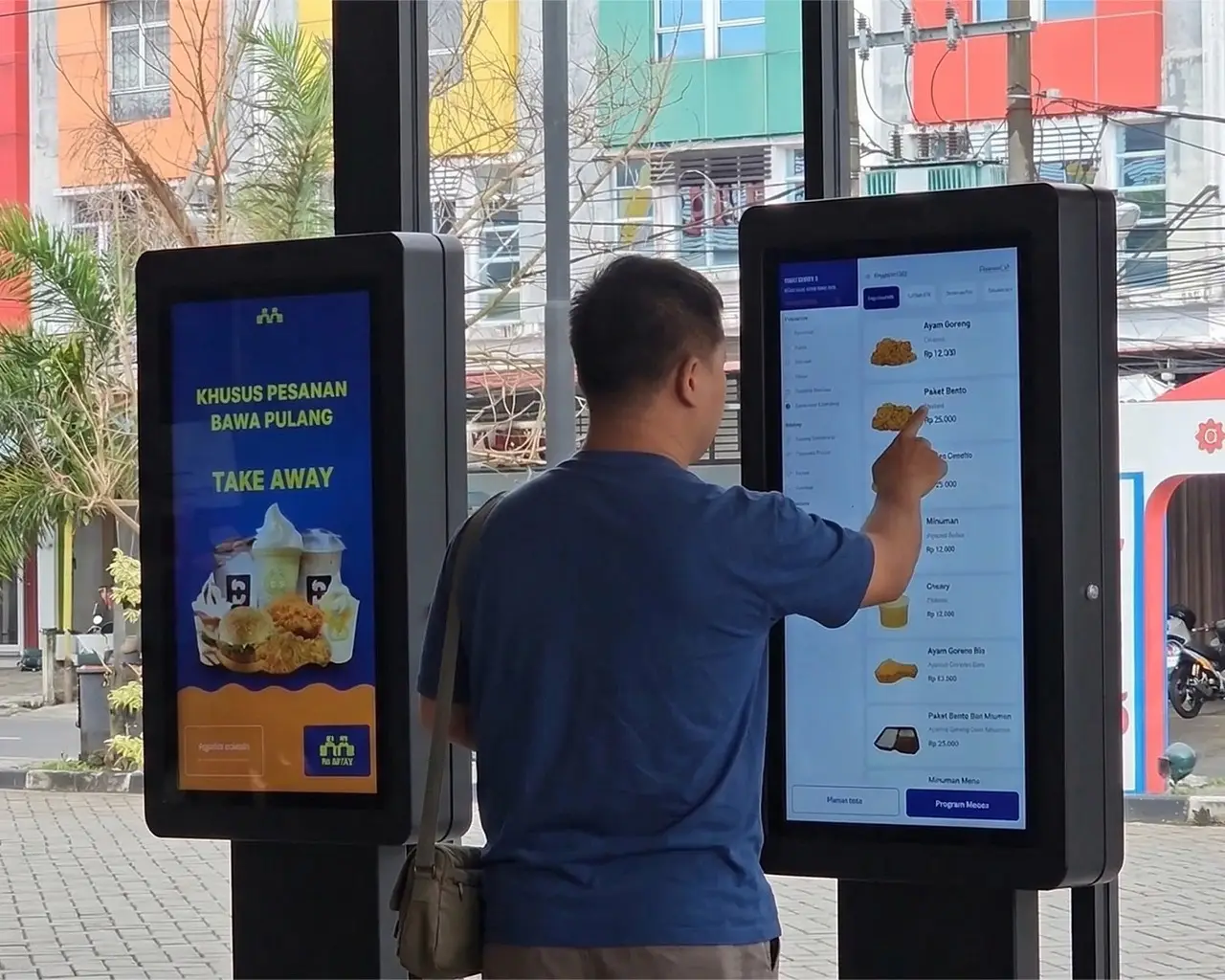 Order Kiosk
System functions are grouped by core work processes so operational and management teams can more easily understand each module's role.
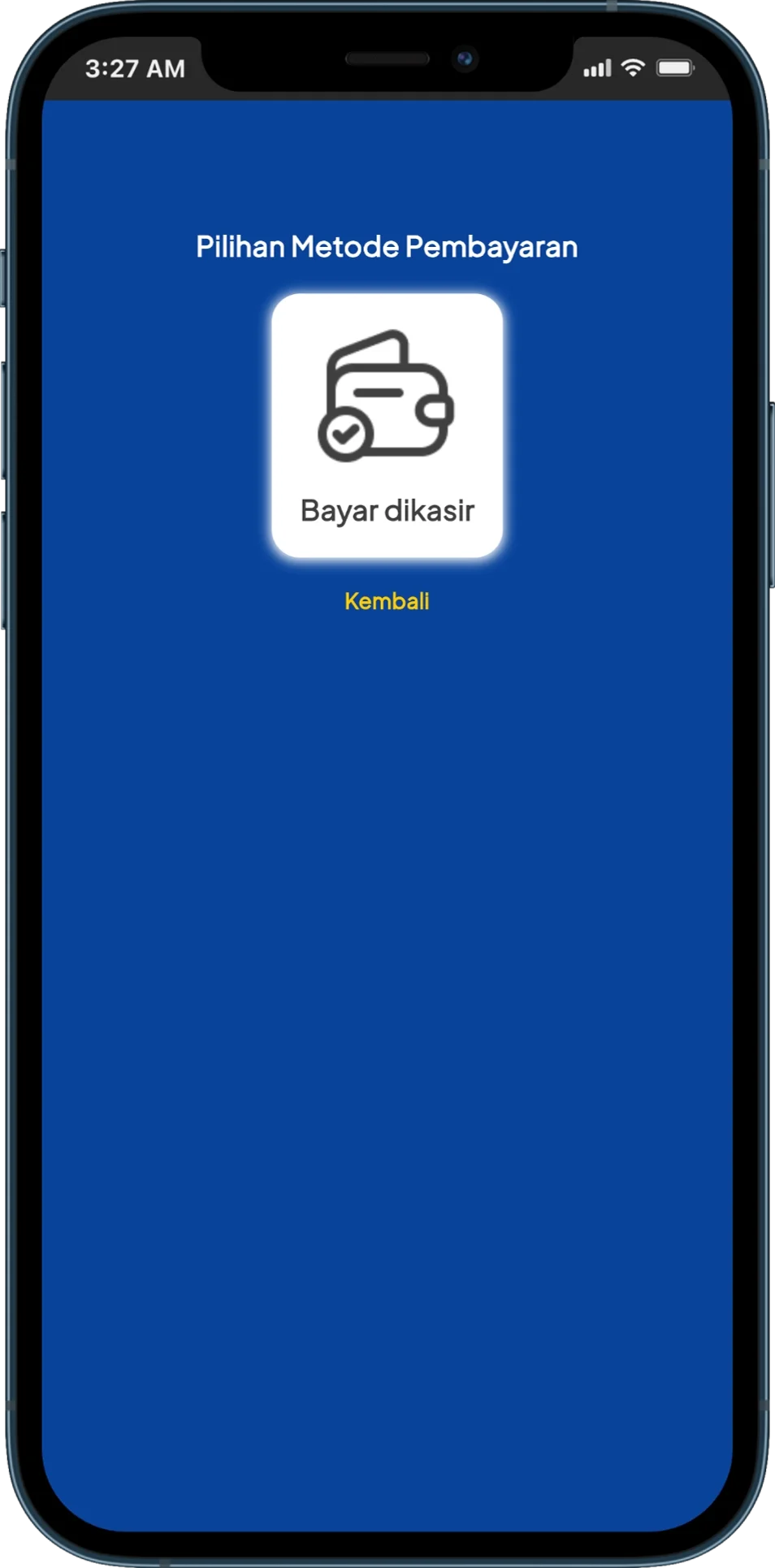
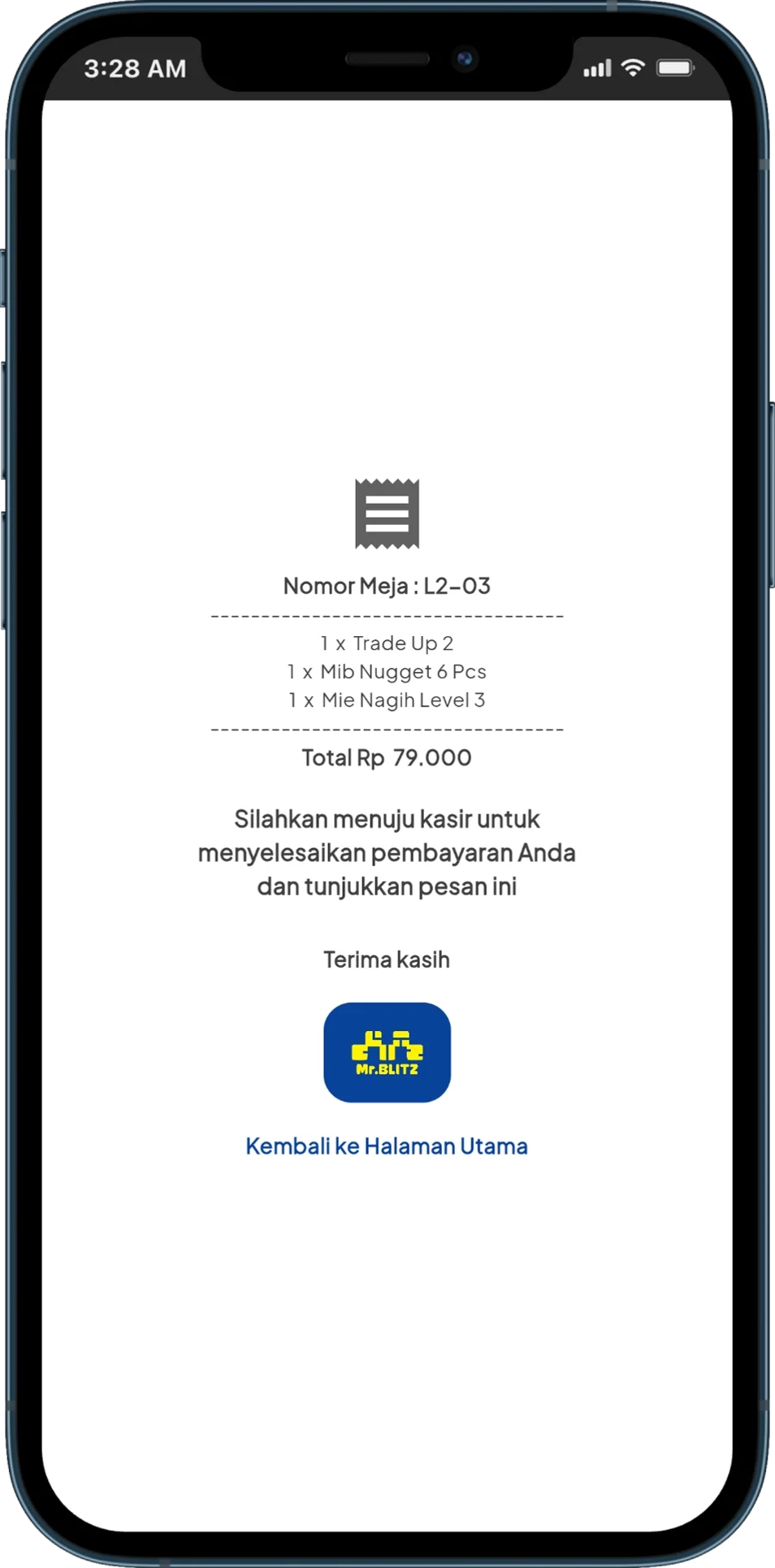
Customers can browse the menu, customize items, review their order, choose payment, and receive an order number directly from their table.
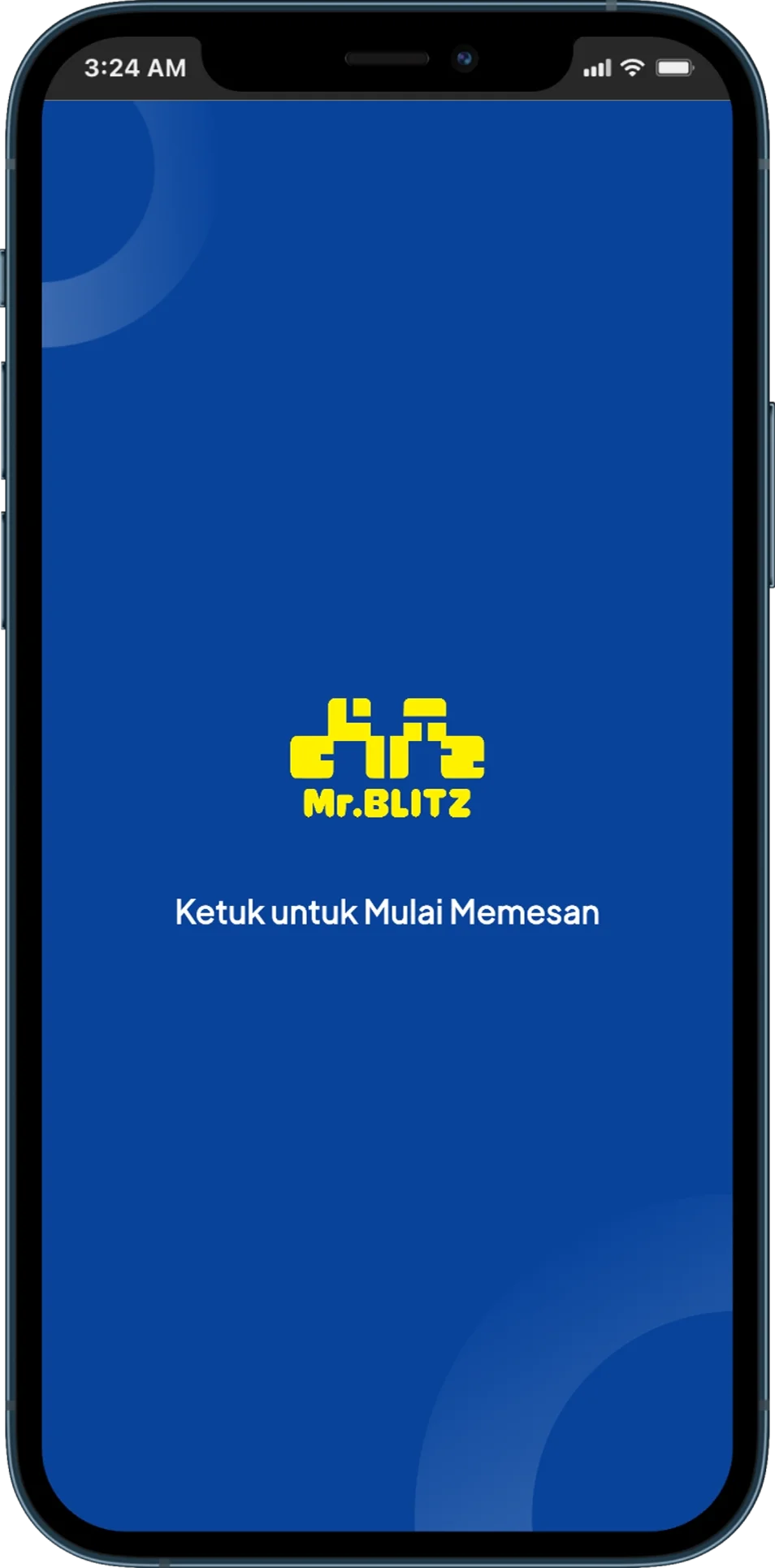
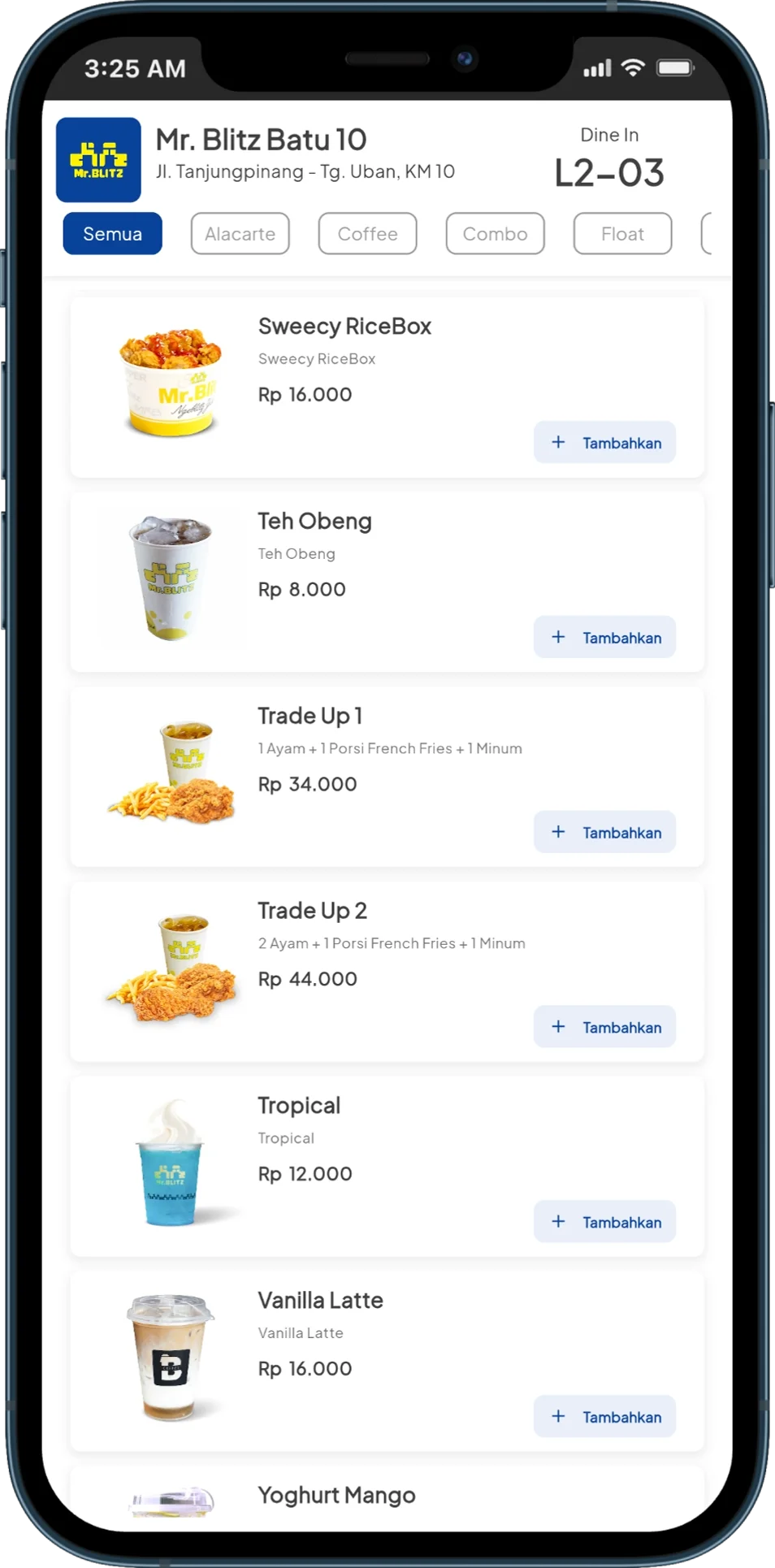
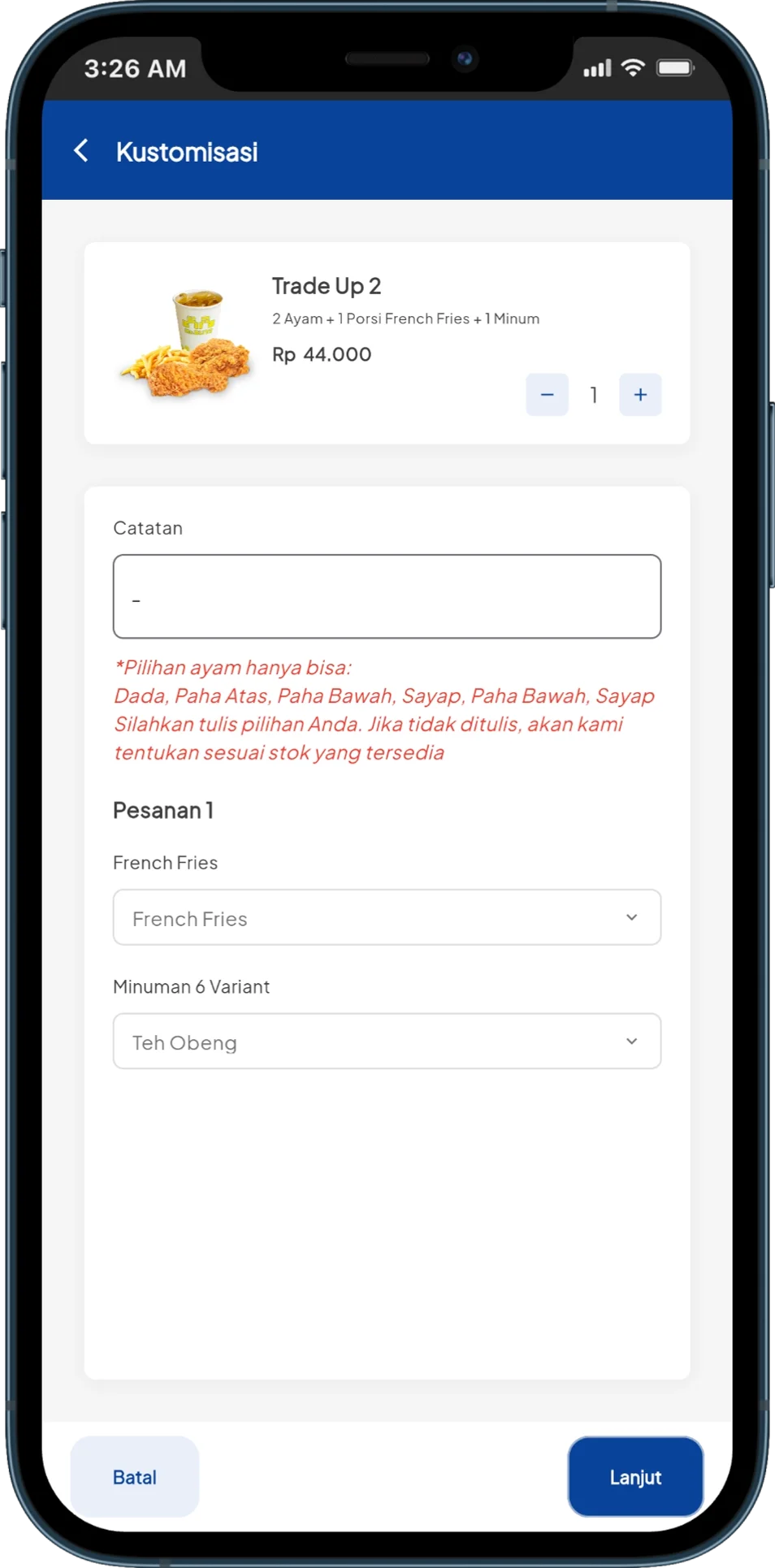
Once the system was deployed, ordering processes, outlet devices, inventory, and reporting became more connected across two operational locations.
Cashier, kiosk, table QR, and drive thru use the same backend and processing flow.
A local server helps transactions and outlet devices keep running when connectivity is disrupted.
Sales, ingredient usage, and production use interconnected operational data.
Settlement, inventory, and finance can be read from transactions already recorded in the system.
Start with the cashier flow, kitchen, inventory, devices, and processes still being done manually.
We help identify which points need to be connected, automated, or rebuilt.
Once requirements are clear, the technical approach and implementation phases can be structured more effectively.